NOT MY IMAGE:
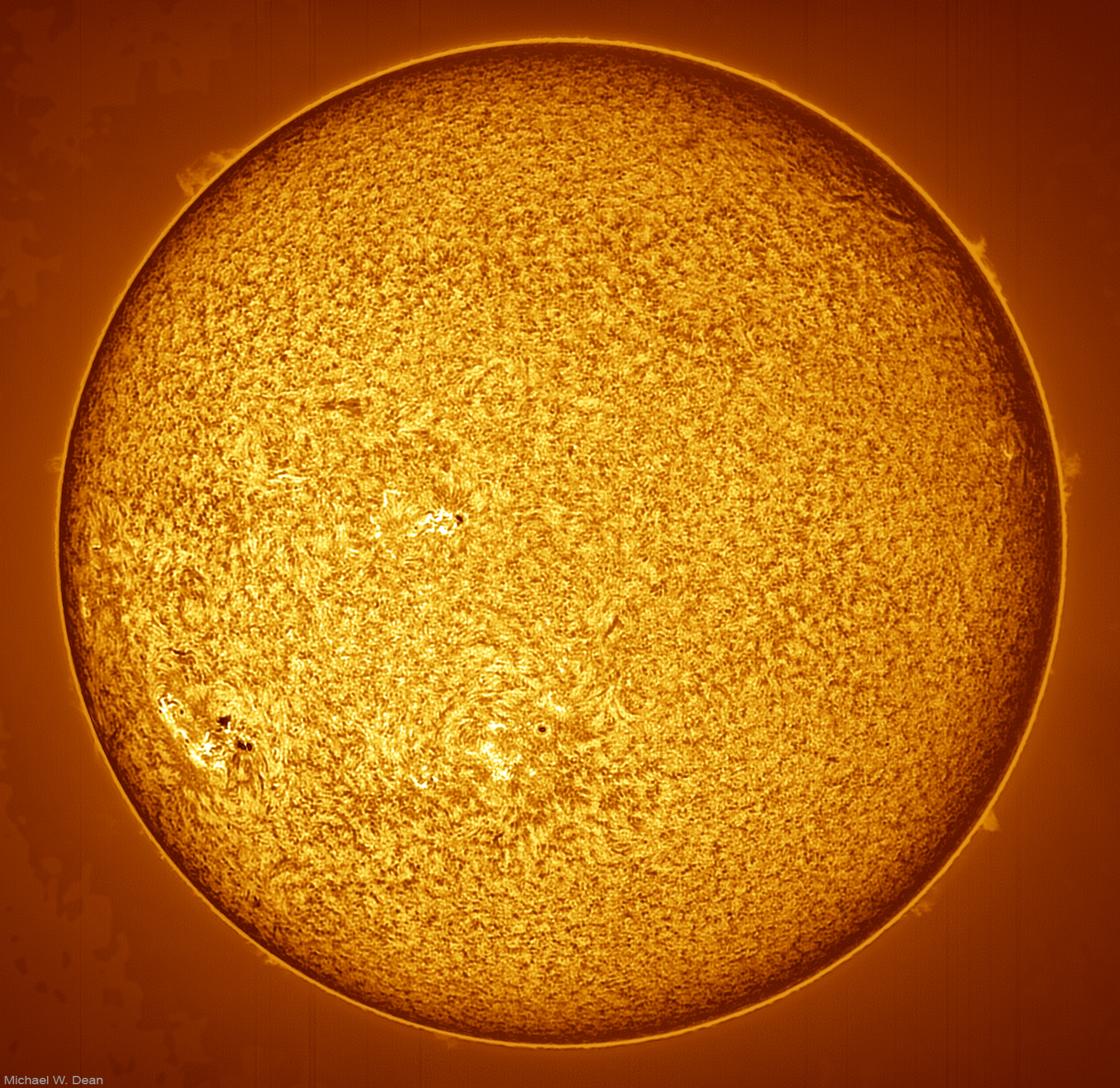
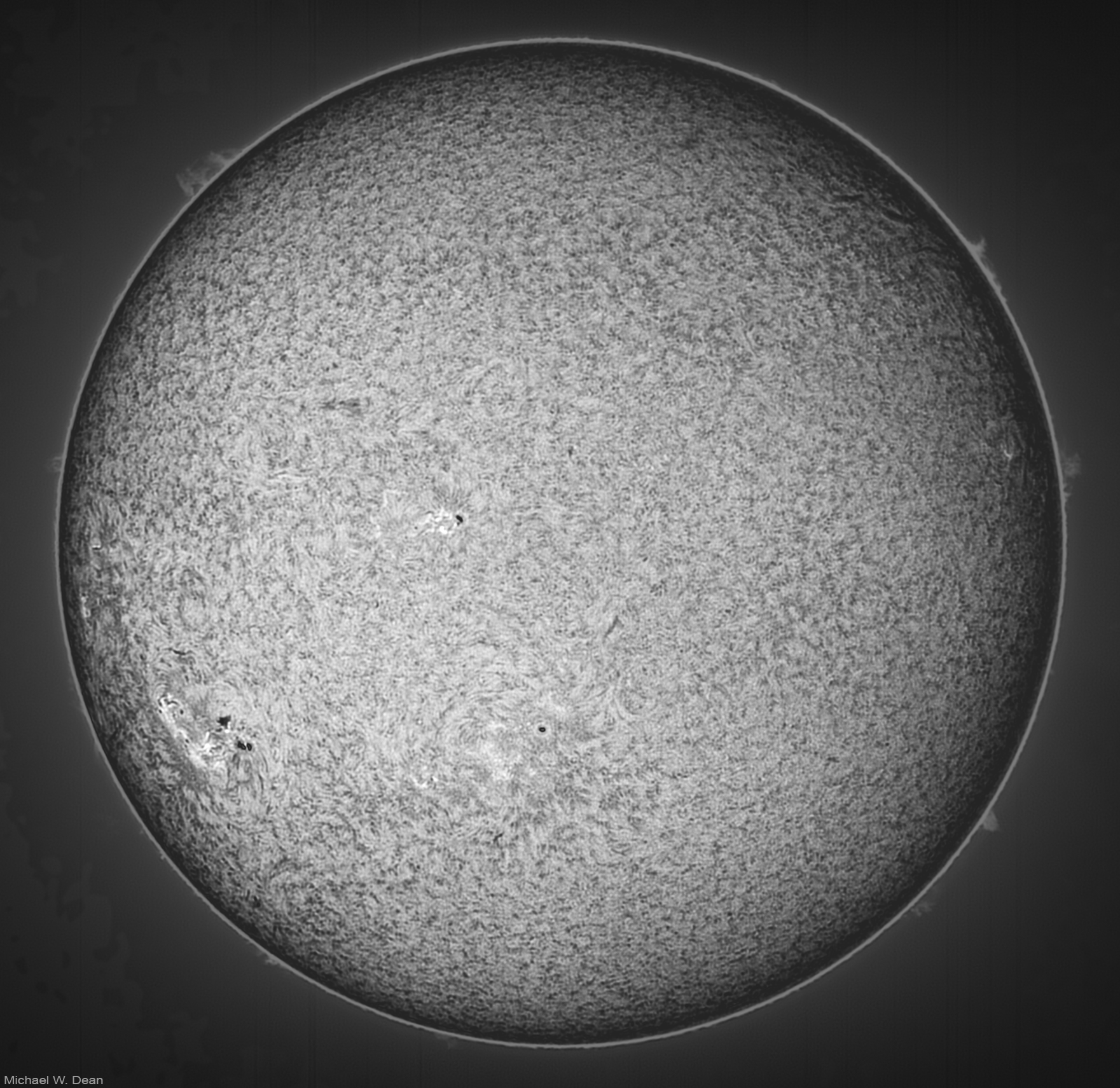
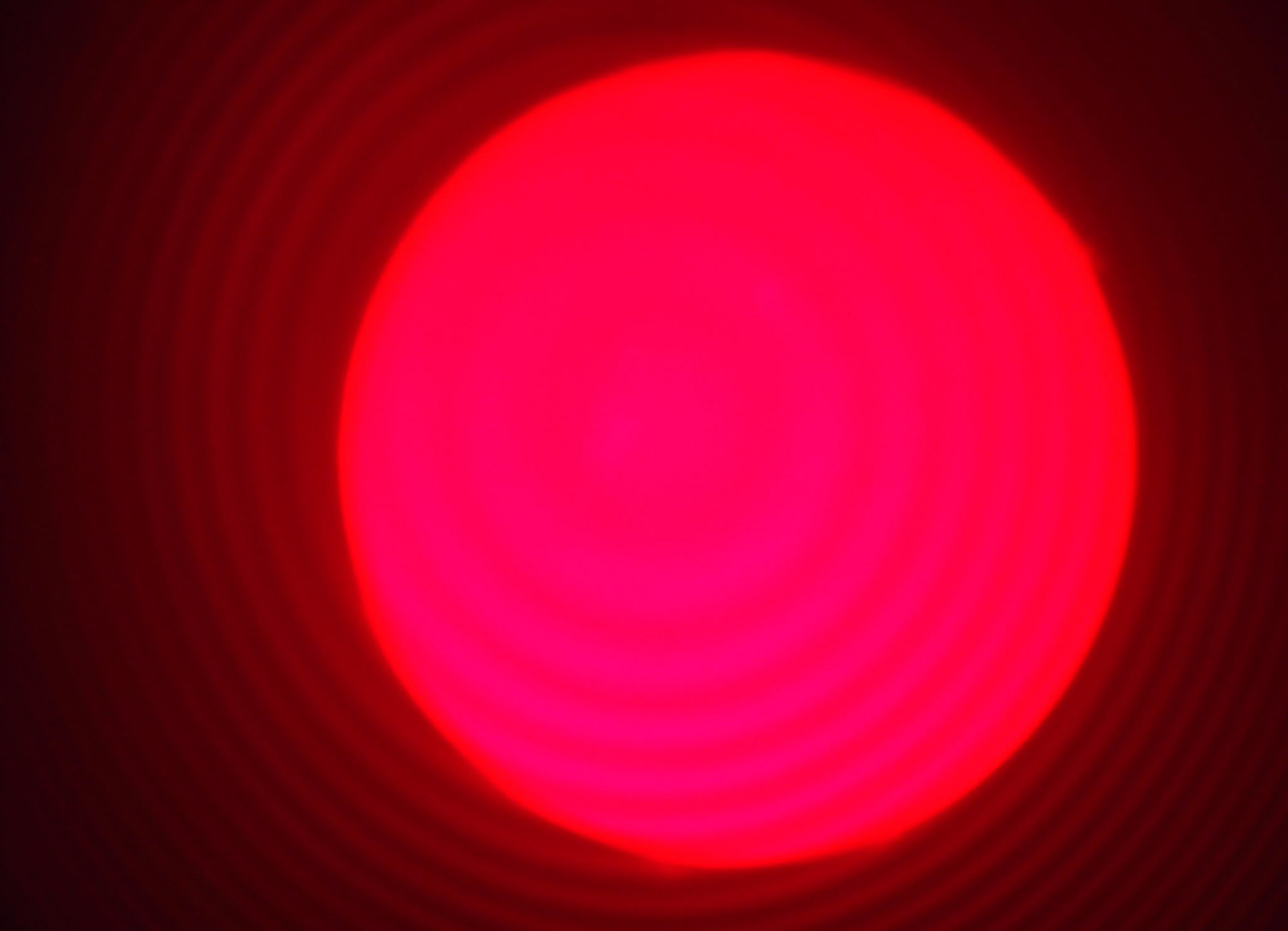 THIS IS NOT MY PHOTO. This is one a new shooter posted on a forum, and asked for advice. But a lot of what I say here is useful even if you’re not having this much trouble, or even just trying to figure it out.
I agree with the people saying “out of tune (etalon) and the scope is out of focus.” BUT ALSO….
You have your capture settings WAY too bright to see any detail. And you need detail to solve the other two problems.
Are you capturing in SharpCap? Whatever you’re using, start with your exposure per frame at 1 or 2 ms (milliseconds)
And then adjust your gain to something to where you can see some detail. Dimmer than this. On my scope (Lunt 40) with my camera (Player One Uranus-M camera) I’d start at about gain 200 for 1 ms exposure.
If you have it dimmer, you can focus it while looking until you can see details more sharply. Then try moving the etalon control a little in either direction to see if more details come out. If you get it looking good, then focus again, can be easier to get focus tighter after you tune etalon.
You may have to tune etalon a little every time. It’s not “set it and forget it.” Changes with temperature of air, for one.
Once you get all this try using the little 4-way joystick push button on that mount to see if you get more details a different place in the view. Like if you have details in most of it but one chunk of the Sun view is bright and washed out, move it until it’s not washed out.
Then define an ROI (region of interest) in SharpCap that leaves some room around the Sun for prominences (you can’t see them with it dim), but not too much. You have some room to the left of the Sun here you don’t need to shoot. That’s only increasing the file size and making your frame rate slower, which can lead to distortions in your image as the Sun changes, since you’ll be shooting longer.
After focusing and tuning the etalon, I usually turn brightness back up for a moment to see where the prominences are that day. Some days they’re longer.
Then shoot 2000 frames of .SER video at 16-bit, to stack later.
Was it cold when you were shooting? Below about 38 to 40 F, my blocking filter doesn’t work. I use a dew heater strip around that part of the scope to warm it up.
If you get all that fixed, the concentric circles around the Sun you’re seeing are definitely Newton’s Rings. You’ll probably see them on the Sun too. I use a Player One Solar Fast Tilter, to adjust a tiny bit to remove that. I put it between the scope and the camera, or if using a Barlow, between the Barlow and the camera.
It looks and sounds like you’re using a color cam. Almost everyone shoots the Sun with mono, and if they want color adds orange later.
Mono can shoot a lot more frames per second.
An inexpensive cam that will work well at that focal length and be MUCH better than what you’re using is a Player One Neptune M or if you want to spend a little more, the one I use from the same company is a Player One Uranus-M camera. These are made for planetary and Lunar lucky imaging, but work great for lower MM solar photog like you’re doing.
If you’re going to get one of their dedicated solar cams (not needed, but great if you have the cash), make sure you match the pixel size roughly to the 630mm focal length of your scope. Don’t get a Player One Apollo-M MAX cam, even though it’s one of the best solar cams, and someone might tell you to get it. It’s for approx 3000 mm solar, and will not work as well for 630mm as the other two cams I mentioned.
Ask Grok, then ask ChatpGPT to make sure Grok’s not lying, or vs versa, if you don’t know yet how to match them.
All this may seem like a lot, but with time, it becomes more automatic, like anything.