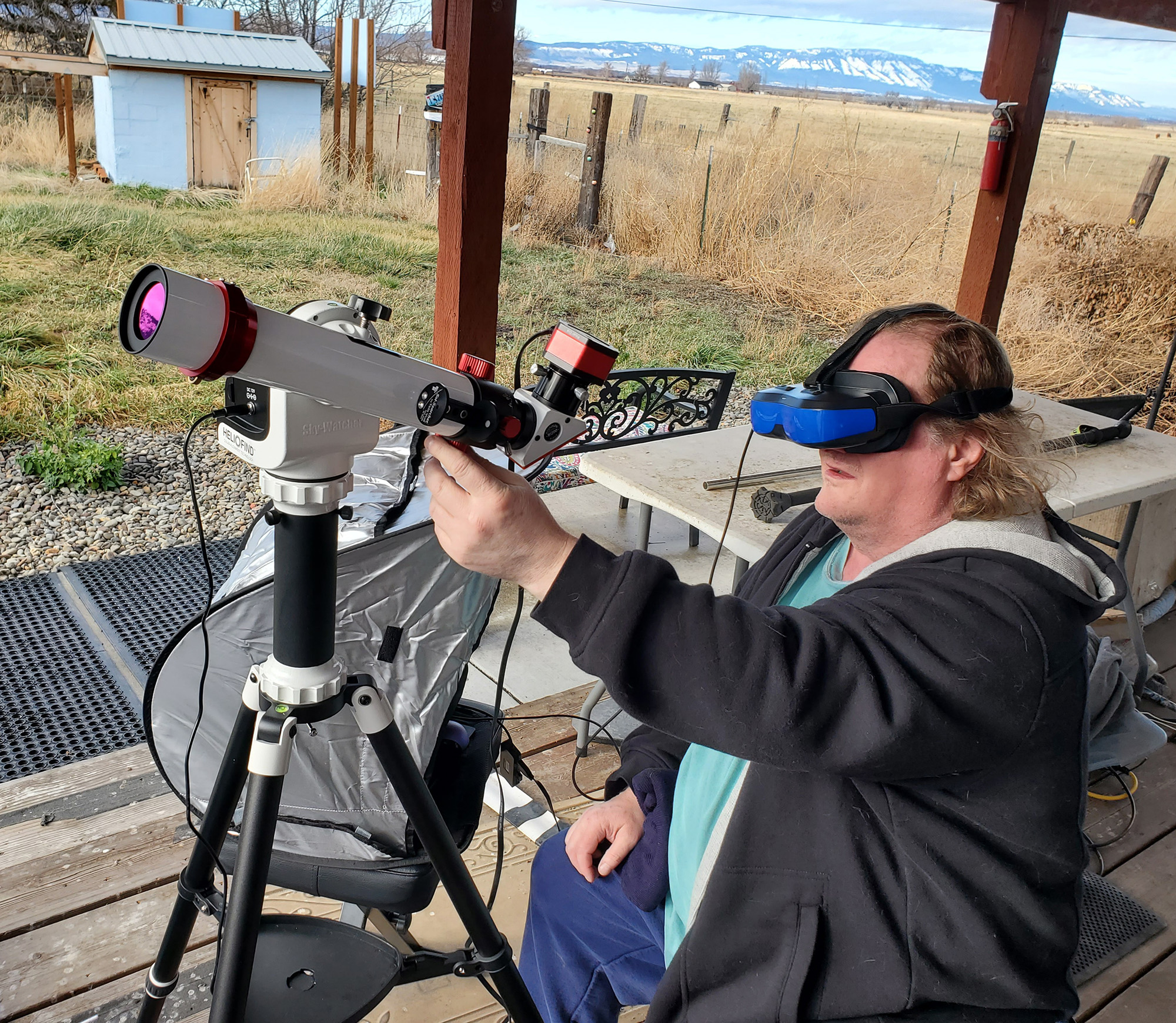
 I’m surprised everyone doesn’t use headset monitors for solar lucky imaging.
It solves a lot of problems, plus allows you to really SEE the Sun well, instead of squinting at a laptop in a box in the bright Sun like most people.
I use these computer screen googles to mirror my laptop monitor (put them on 2D not 3D)
They didn’t work on my older laptop but they were plug and play (mirroring screen) with this 14 inch dell laptop that cost me 260 bucks renewed with warranty, and it was fast enough to capture solar video for this.
You need a computer that can support DisplayPort or Alt Mode. And you need a USB that supports that too. USB C both ends (computer needs that too, not sure if an adapter would work but it might?) that can support DisplayPort or Alt Mode (search both in listing). Or just get this USB cable. I did. I used these (any length on this page should have it, check description for DisplayPort to make sure it hasn’t changed)
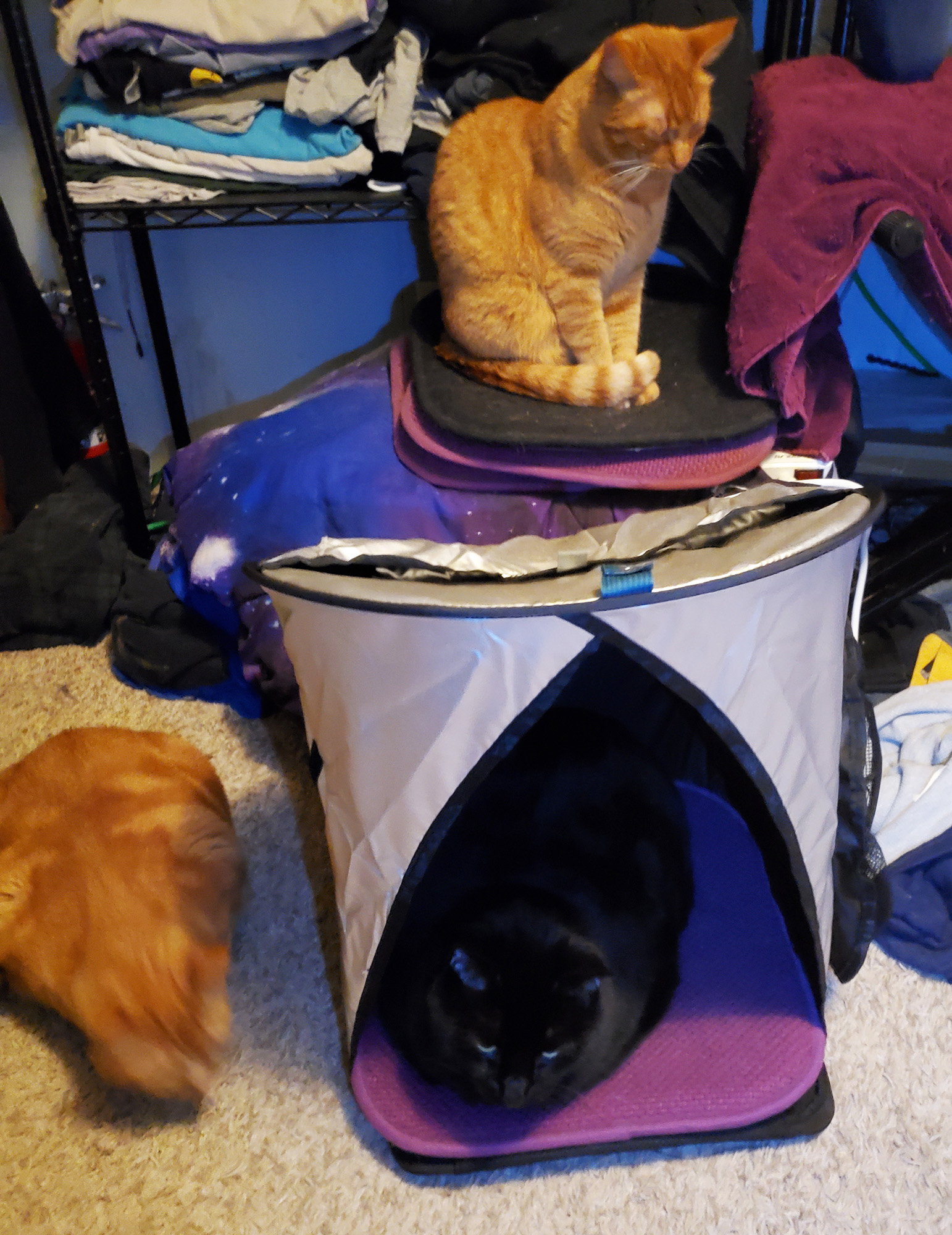
I used this little 30 dollar laptop sunscreen to hold the laptop, for when I had to peek out at it. (Cats love it too!, when not in use for laptop)
I used Player One Neptune-M camera on Lunt 40 mm solar scope with BF1200. on Sky-Watcher SolarQuest Mount which JUST WORKS!
If you have HDMI on your computer, scroll down for the better goggles.
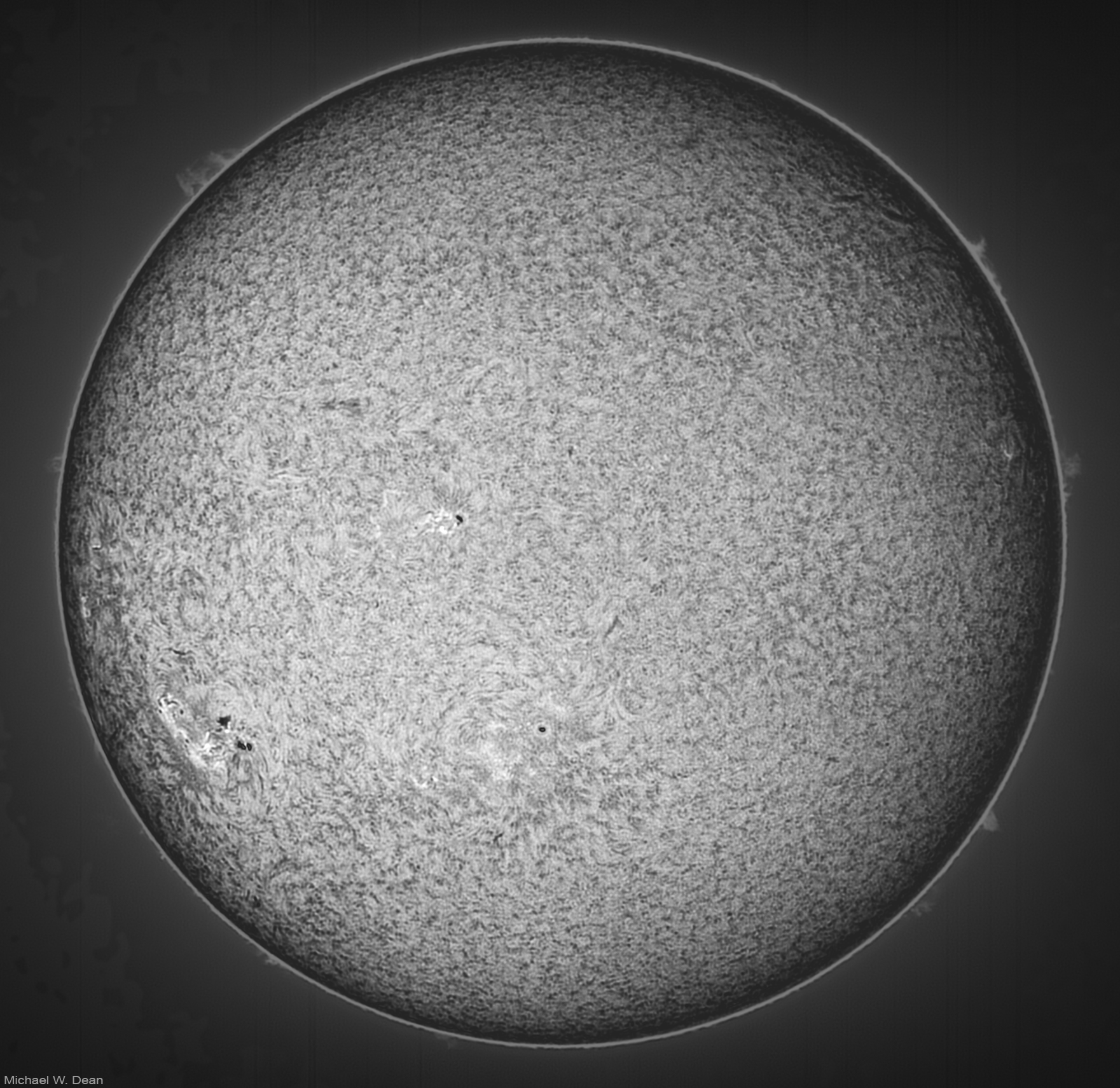
Here’s what I shot on my 3rd day ever of solar shooting.

This headset has no camera, so I recommend not putting it on until you’re seated, and stay seated until you’re done. At least don’t try to walk wearing it.
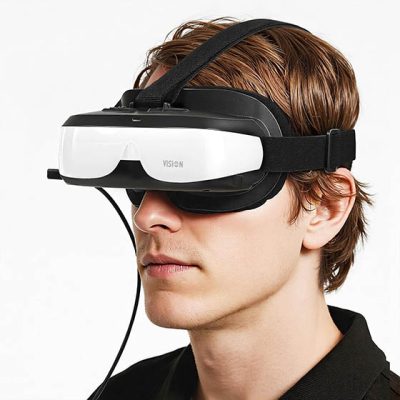
Main thing to note: With the headset goggles on you’re basically a blind person outside of the goggles. I almost fell a few times my first few times with them, and almost knocked over my small solar mount.
I basically prop them up on my face a little so I can see a little out the bottom. I use that to see where I’m walking, and had to learn to focus my scope and tune the tilt etalon without looking at it. I look out the bottom of the scope at my phone to control my big mount on the larger scope.
Oh, a tip for everyone: even if you don’t output inverted, if you hit the invert button on the seeing histogram (bottom right) in SharpCap, it’s easier to focus the scope accurately if you’re doing it by eye, regardless if you have your fingers on the scope focuser, or are using a ZWO EAF hand controller like I’m doing.